 01
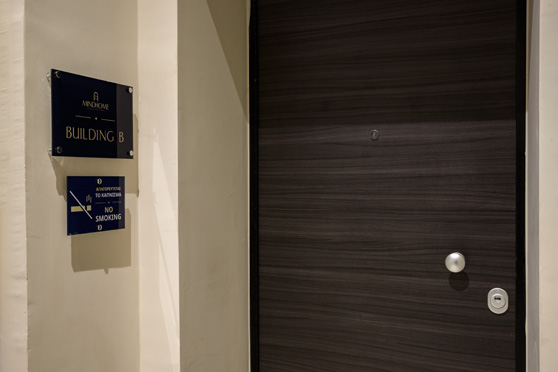
01Enter the building
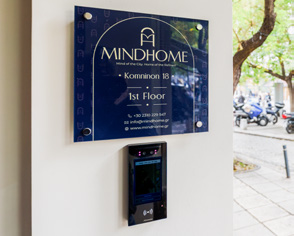
Find the QR-code keypad beside the main entrance and enter the private 8-digit PIN from your booking confirmation. The door will unlock.

Your practical guide to entering the building, checking out smoothly, enjoying every comfort and setting the perfect room temperature.
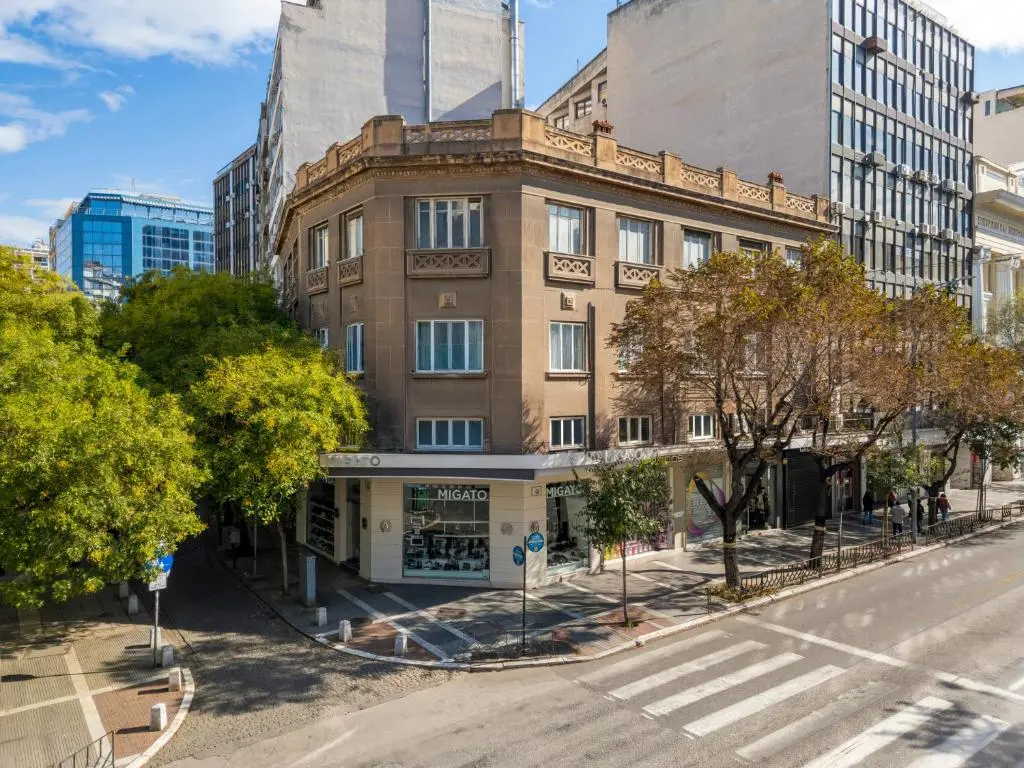
Entrance guide
Your booking confirmation contains two private access codes. Keep them secure and follow each code prompt at the right door.
01Find the QR-code keypad beside the main entrance and enter the private 8-digit PIN from your booking confirmation. The door will unlock.
 02
02Go to the first floor, where Buildings A and B are located. Enter the same private 8-digit PIN at the floor entrance.
 03
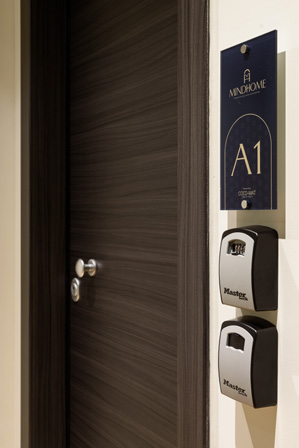
03Use your separate private 4-digit PIN on the Master Lock box outside your room. Inside you will find the room key and electricity card.
The 8-digit building code and 4-digit room lockbox code are different. The electricity card activates your room and can open the main and first-floor doors during your stay. Return the key and card to the lockbox at checkout, and contact us immediately if anything does not work.
Checkout information
Check out by 11:00. Late checkout is possible only with prior approval.
Close and lock every window and balcony door.
Return the room key and electricity card to the lockbox outside your apartment.
Check outlets, under the bed and bathroom for chargers, passports, jewellery and personal items.
Tell us as soon as possible about any damage or spills so we can help.
Room comfort · Luxury amenities
Thoughtful essentials are within easy reach, while natural sleep comfort and bath amenities bring a little ritual to every day.

Natural mattresses and quality linens create the calm, restorative sleep that defines a MindHome stay.
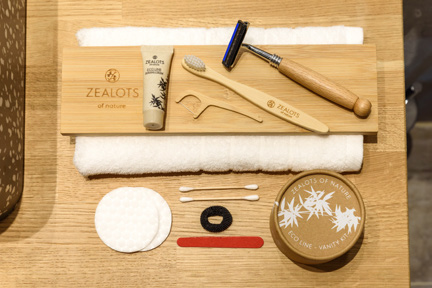
Natural bath amenities selected for a gentle daily ritual.
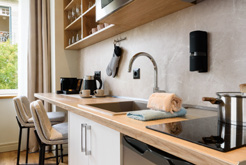 Equipped kitchenette
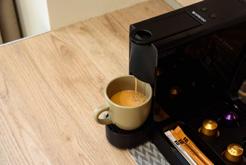 Coffee ready
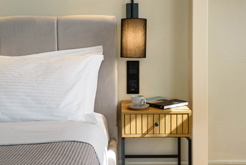 Thoughtful details
The mezzanine closet contains additional toilet paper, an iron, cleaning supplies and other useful items for your stay.
Air-conditioning guide
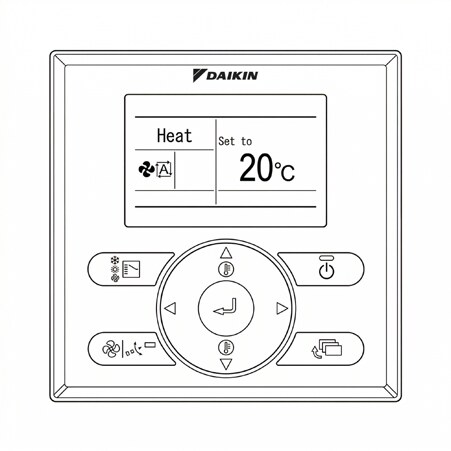
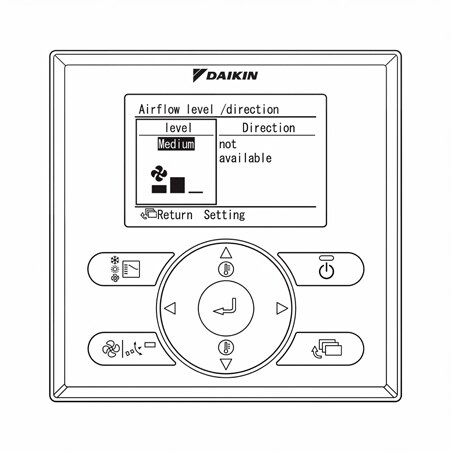
The wall controller manages heating, cooling, temperature and fan speed. Use the diagrams below to identify each control.